
- Business Central
- Systems integration
A business rarely runs on one application. Finance may work in an ERP, sales teams may depend on CRM, online orders may come through an e-commerce platform, and employee payments may be managed through payroll software. When these systems operate separately, teams often spend time transferring information, checking records, and reconciling differences.
This is where Dynamics 365 Business Central integration becomes important.
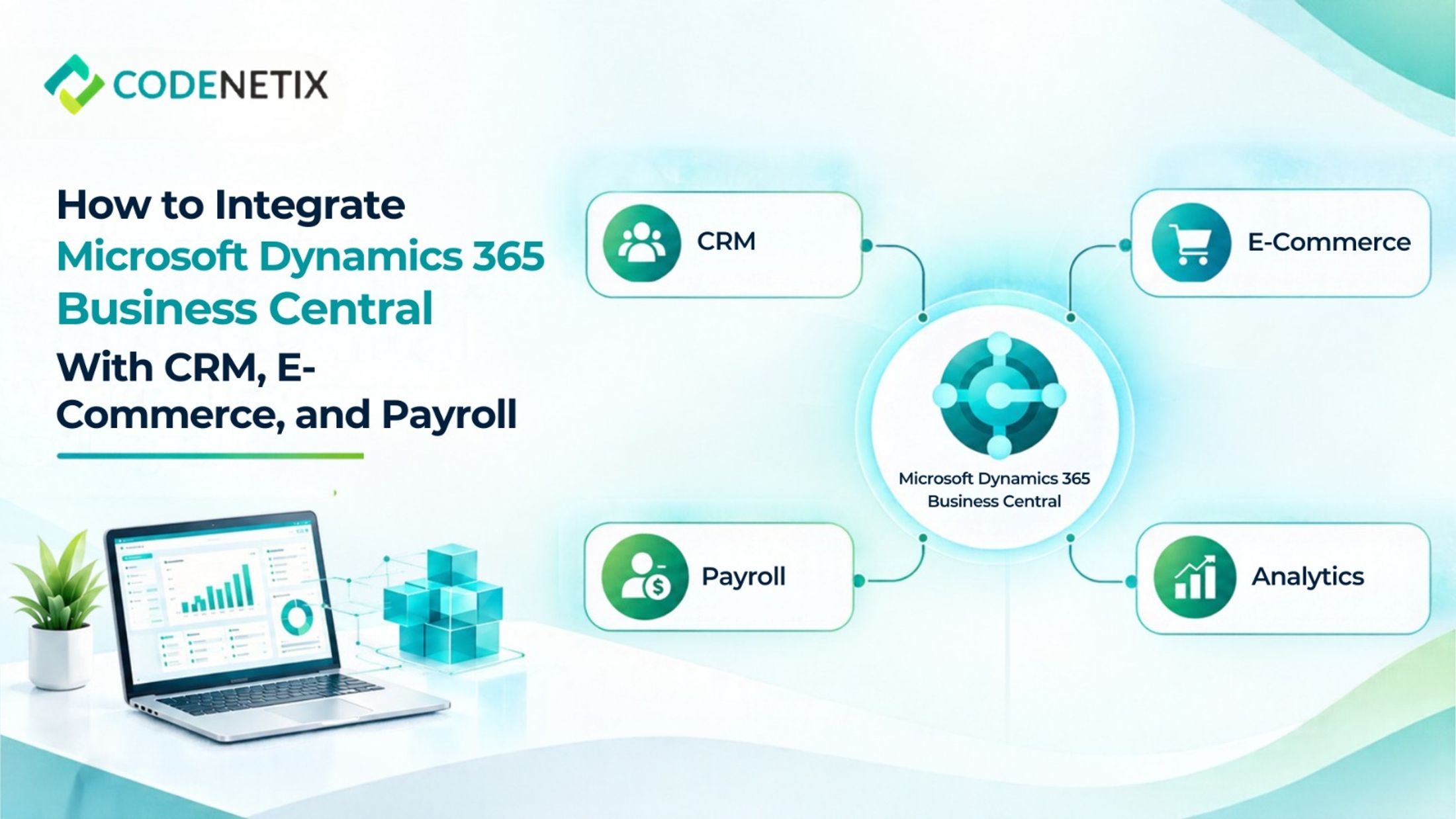
Codenetix positions Business Central as the finance and operations system of record and provides systems integration connecting it with CRM, commerce, payroll, and analytics. The objective is to create one operating picture while allowing each application to continue performing its intended role.
Start With the Role of Business Central
Before connecting applications, an organisation needs to establish what information should live in the ERP and how connected systems should interact with it.
Codenetix approaches Microsoft Dynamics 365 Business Central by first defining the operating model. Finance, operations, and technology teams determine how processes such as order-to-cash, inventory, and financial close should operate before the ERP is configured around them.
This provides a clear foundation for integration.
In a business central ERP environment, financial transactions and operational records can remain centralised while connected applications provide specialised functionality.
The integration design should therefore begin with the business process rather than simply asking which applications can be connected.
Connecting Business Central With CRM
CRM and ERP manage different parts of the customer lifecycle, but their information often needs to work together.
Sales teams may manage customer relationships, opportunities, and commercial activity through CRM, while finance teams manage invoices, receivables, orders, and ledger information within Business Central.
Codenetix identifies CRM-to-ledger as one of its integration areas. The connection allows customer and commercial information to move between systems while Business Central continues to serve as the financial system of record.
For organisations using Dynamics 365 CRM alongside ERP Dynamics 365 Business Central, this type of integration can reduce the need for finance and sales teams to maintain duplicate information.
The exact data flow depends on the operating model, but the principle remains the same: each application performs its designated function while connected information moves between them.
Connecting E-Commerce With Business Central
Online commerce creates another important integration requirement.
Orders generated through an e-commerce platform need to connect with inventory, fulfilment, customer information, and financial processing. Without integration, teams may need to transfer order information manually and then reconcile it against ERP records.
Codenetix specifically identifies commerce-to-inventory as an integration flow within its services.
For Microsoft Business Central, this means the ERP can remain the central location for relevant inventory and financial processes while the commerce platform continues handling the customer-facing online experience.
A well-defined connection can help information move between the storefront and ERP without forcing users to repeatedly enter the same information.
This is particularly relevant when an organisation is expanding its digital sales channels and wants its business central ERP environment to remain connected to operational activity.
Integrating Payroll With the General Ledger
Payroll is another area where integration can reduce manual finance work.
Employee compensation is typically managed through a dedicated payroll process, while accounting information needs to reach the ERP general ledger. Codenetix identifies payroll-to-general ledger as one of its integration flows.
This can create a structured flow between payroll activity and the financial records maintained in Microsoft Dynamics 365 Business Central.
For finance teams, this reduces dependence on repeated manual transfers and helps keep connected records aligned.
Native Connections First
Integration does not always require a complex custom development project.
For organisations working within the Microsoft ecosystem, the Microsoft Power Platform can also form part of the wider technology environment. Codenetix works with Business Central, Power Platform, Power BI, Azure, and Microsoft Entra ID as part of its Microsoft transformation services.
The choice of connection method should therefore follow the process, data, security, and control requirements rather than being selected independently.
Plan Data Ownership Before Integration
One of the most important considerations in any ERP implementation is deciding which system owns which information.
For example, customer relationship activity may originate in CRM, online orders may begin in an e-commerce platform, and employee payment information may originate in payroll. Business Central may then receive the financial or operational information required for accounting and related processes.
Building One Operating Picture
The purpose of connecting Microsoft Dynamics 365 Business Central with CRM, e-commerce, and payroll is not to make every system identical. Each application can continue to serve its specific function.
Codenetix describes this outcome as one operating picture rather than finance manually reconciling information across separate applications. Its integration services cover CRM-to-ledger, commerce-to-inventory, payroll-to-general-ledger, and analytics flows.
For organisations adopting Microsoft Business Central ERP, this connected approach can provide a practical foundation for growth. Instead of adding more disconnected applications as the business expands, companies can design how information should move between the systems they already depend on.